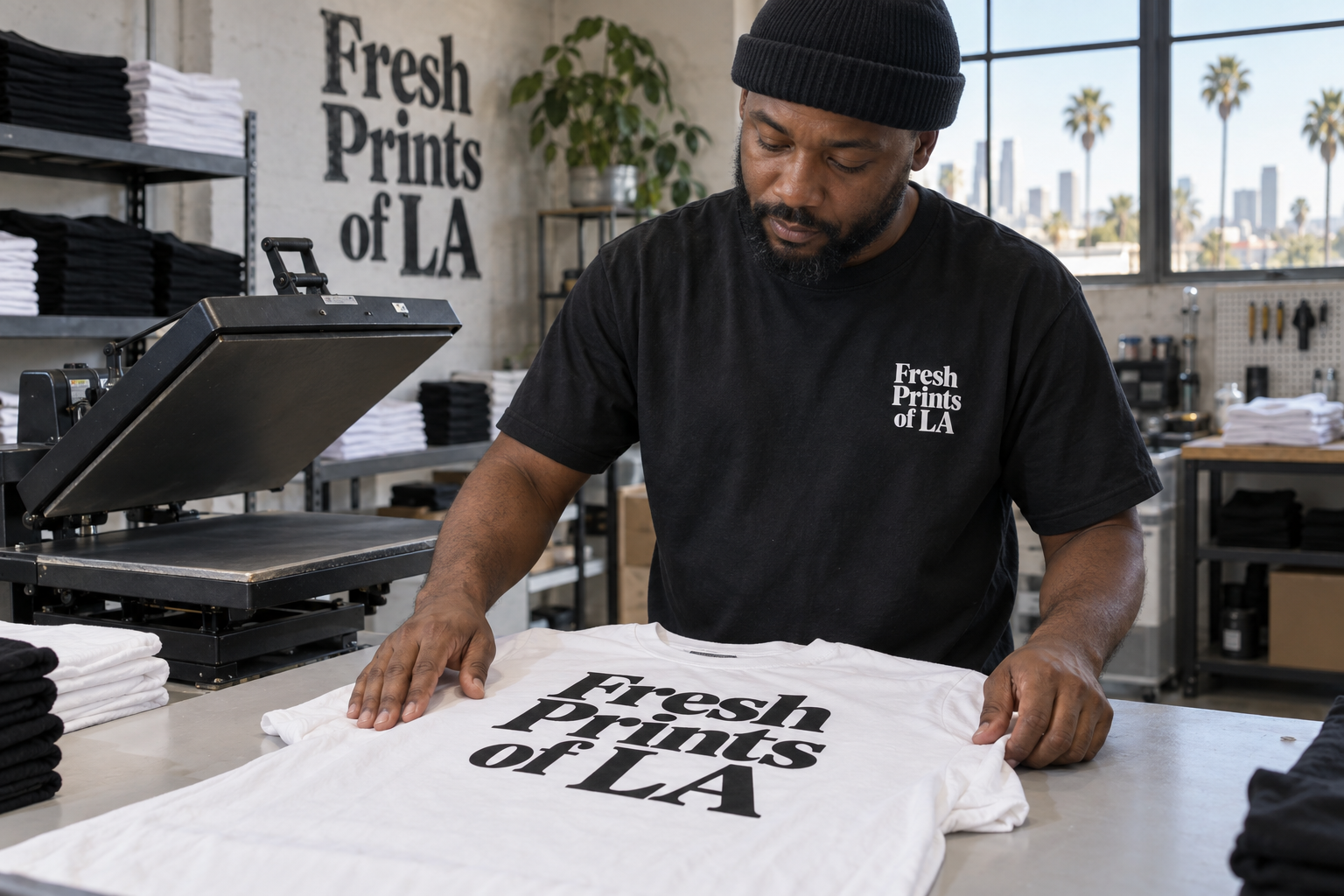
Choose transfers or custom shirts and enter your details for a preliminary estimate. Your final quote is confirmed after review.
Same city. Bigger ideas.
Illustrative campaign imagery
Estimates in USD · Powered by DRIP AI
Transfer-only estimate
DTF Transfer Calculator
Enter your image width and height to see the price per transfer instantly. Change the quantity to see your order total.
Transparent 300 DPI PNG preferred
Prices update as you type. Example: 12 × 15 inches = $7.50 per transfer.
Proportional estimate: $6 per 12 × 12 inches (144 square inches), scaled to your image size and quantity. No $6 minimum per image. Final price is confirmed after artwork and layout review.
Finished apparel estimate
Custom Shirt Estimator
Estimate a standard order. Extra logos, specialty garments and unusual placements require a custom quote.
Typical turnaround: 48–72 hours
Your estimate updates automatically as you change your selections.
Mixed sizes can be entered during the quote request. The final quote will price each size correctly.
Teams · Businesses · Family gatherings · Clothing brands
Big order? Let’s talk.
Ordering for a business, team, family gathering or clothing brand? Email us your details for a custom bulk quote.
$6 / 144 sq. in.Proportional DTF estimate by size and quantity
About $20Per standard supplied shirt
+$49Rush service per job, when available
+$10Flat local-delivery fee
Estimate only: Artwork complexity, material use, garment choice, quantity, extra placements and availability may affect the final written quote. Production begins only after approval and required payment.
DTF pressing instructions & artwork requirements
Prepare your artwork and review these instructions before ordering or pressing your transfers.
How to press your DTF transfer
Prepare: Use a heat press on a flat, clean garment. Test a small area first and check the garment's heat tolerance.
Set your press: 260–300°F for 15 seconds with medium, even pressure.
Position & press: Place the transfer in the desired position and press for 15 seconds.
Peel: Follow the peel instructions supplied with your transfer. If the peel type is unclear, contact Fresh Prints of LA before peeling.
Finish: Cover the design with parchment or a finishing sheet and press again for 5–10 seconds.
Press settings can vary by garment and equipment. Review the instructions supplied with your transfer before pressing.
Send print-ready artwork
Format: PNG preferred, with a transparent background.
Resolution: 300 DPI at the intended print size. Enlarging a low-resolution file does not restore detail.
Size: Submit artwork at the correct dimensions and include your desired width and height with your order.
Orientation: Do not mirror your artwork. Text should be readable as submitted.
Layout: Single images or ready-to-print gang sheets are accepted within the ordered area.
Review: Check spelling, sizing, layout and background before submitting. Artwork is printed as submitted; modifications are not included.